



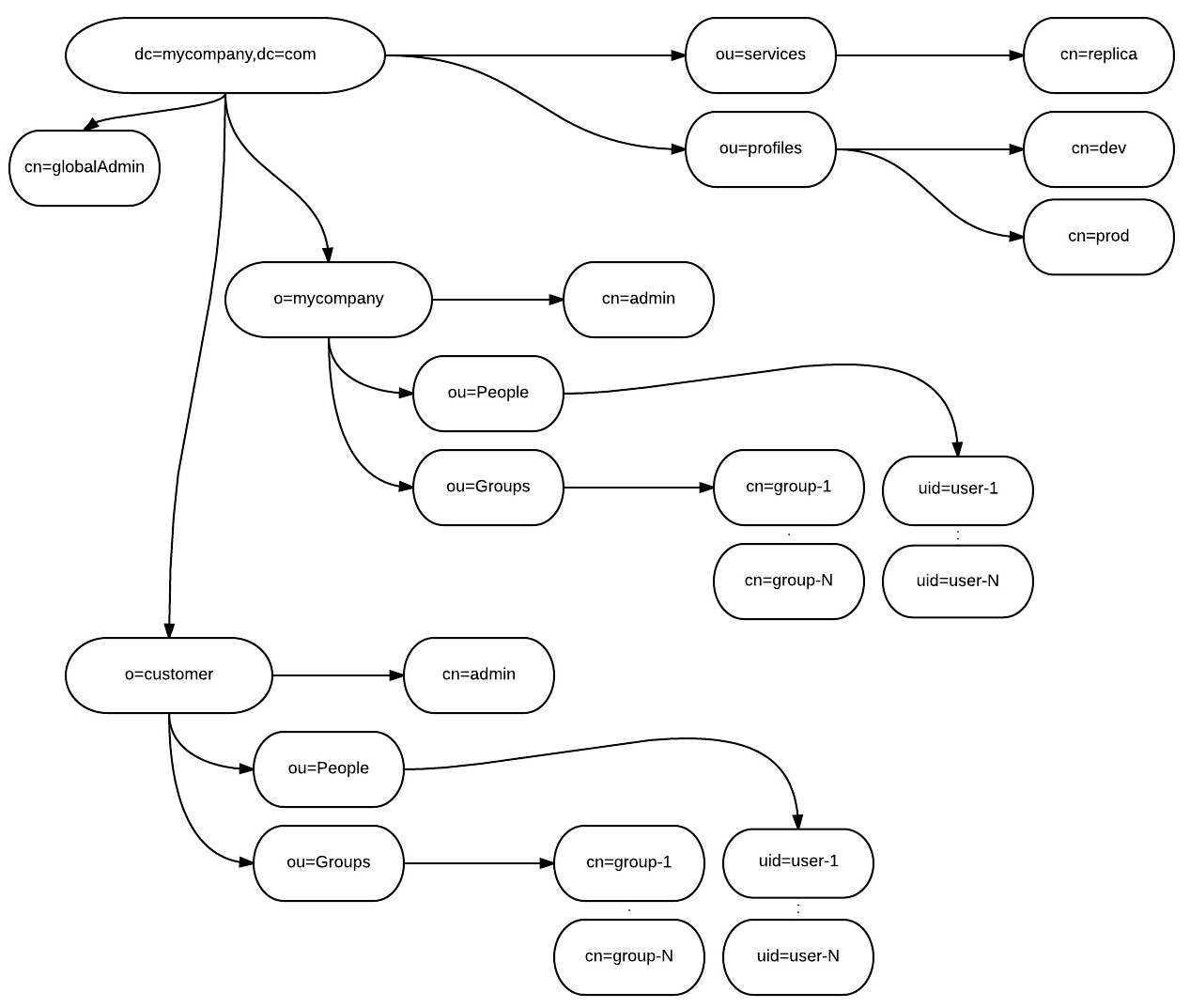
Oracle Solaris has native LDAP support built in OS, so there is no need to install third-party software to configure Solaris to use LDAP as users/groups and other repository. You can use different ways to do this, and I will describe few of them.
If secure communication is required, and we have Self Signed certificates, we need to install CA certificate on each client.
This can be achieved by import CA certificate to local store with certutil (/usr/sfw/bin/certutil in Solaris 10). First create NSS DB (Don’t enter password. Just hit return)
certutil -N -d /var/ldap
chmod 444 /var/ldap/*